
By Rudra Pratap Singh | Founder & YouTube Automation Expert, New Money Matrix
Published: 11 June | Last Updated: August 6, 2026
How to Start a Faceless YouTube Channel From Scratch (2026 Guide)
You do not need a fancy camera, a studio, or even the courage to be on screen. In 2026, some of the fastest-growing channels on YouTube are run by people you will never see. This is your hands-on setup guide for launching one of your own, from the first decision to your first upload.
What Is a Faceless YouTube Channel?
A faceless YouTube channel grows and earns without the creator ever appearing on camera. Instead of a talking head, you lean on voiceovers, screen recordings, stock footage, AI videos, and animation to carry the message.
This often pairs with YouTube automation. So what is YouTube automation? It simply means running the channel through repeatable systems for scripting, voiceover, editing, and publishing while you stay in charge of quality. If you are weighing this against a hands-on approach, see our full comparison of YouTube automation vs a traditional channel.
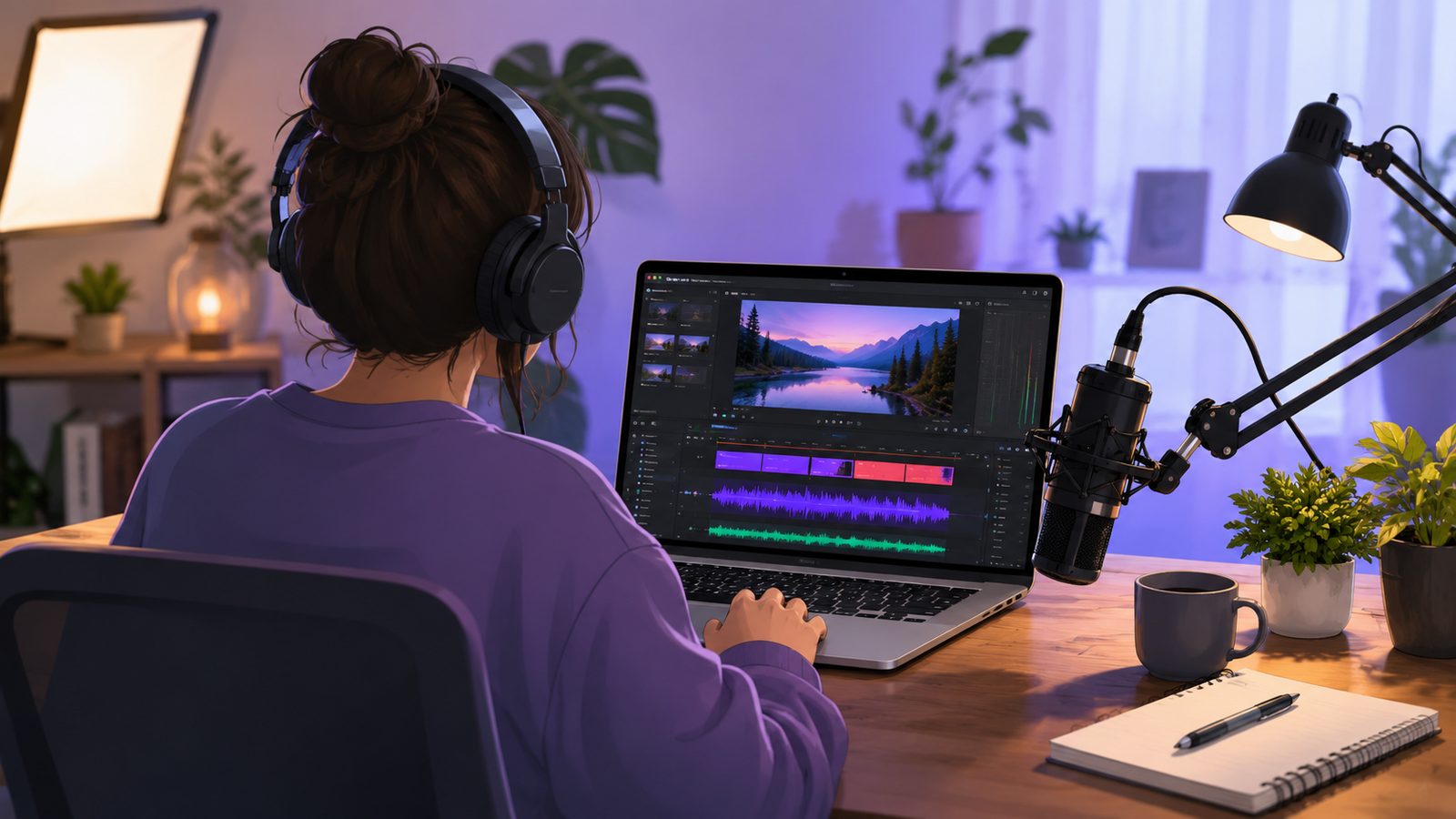
Faceless vs. Showing Your Face
Before building anything, settle the big question. Is a faceless video or showing your face on YouTube the better fit for you? Neither is universally better.
| Factor | Faceless channel | On-camera channel |
|---|---|---|
| Confidence needed | Low | Higher |
| Privacy | Fully protected | Public identity |
| Ease of outsourcing | Very easy | Hard |
| Setup speed | Same day | Needs filming setup |
If privacy, flexibility, or shyness are on your mind, faceless is the clear starting point. Let us build it.
Step 1: Pick a Niche You Can Sustain
Your niche shapes everything that follows. If you are asking which niche is best for YouTube, or chasing the best niche for earning money on YouTube, weigh three things as a beginner: can you make it without a camera, can you produce it quickly, and does it hold your interest past video twenty? For ranked ideas, explore the best youtube niches to start with in 2026.
| Niche | Beginner-friendly? | Production effort | Faceless fit |
|---|---|---|---|
| Education and how-to | Yes | Low | Excellent |
| Tech and AI tools | Yes | Medium | Strong |
| Finance and money tips | Moderate | Medium | Strong |
| Aesthetic and relaxation | Yes | Low | Excellent |
| Story and history narration | Yes | Medium | Excellent |
Tip: The best youtube niche for a beginner is a specific sub-topic you can sustain, not a broad category. A profitable youtube earning niche you abandon in a month earns nothing.
Step 2: Choose Your Content Format
Now lock in a repeatable format. Here are faceless YouTube channel ideas that work well without a camera:
- Top-10 lists and rankings
- Explainers and how-it-works breakdowns
- Motivation and quote compilations
- Product reviews and comparisons
- Calming aesthetic videos and ambient backgrounds
- Story-time, history, and mystery narration
The animation route
Animation is one of the strongest faceless formats. A few directions to explore:
- Learning how to create animated videos for YouTube as clean, narrated explainers.
- Producing a single animated video for YouTube to test a niche before going all in.
- Trying simple animated videos for YouTube while you build early momentum.
- Stepping up to a 3D animated video for YouTube when your topic needs extra polish.
- Adding an animated intro for your YouTube videos so the channel feels recognizable.
- Creating an anime-style video using Camtasia for YouTube editing with AI-made assets.
- Pushing for the best animation video for YouTube in your niche, not just an okay one.
- Using animated handwriting on YouTube videos with doodle and whiteboard tools.
Tip: Pick one format and one visual style, then repeat. Consistency is what turns viewers into subscribers.
Step 3: Set Up the Channel Properly
This is the part most guides skip, and it is pure setup mechanics you can finish in an afternoon:
- Name and handle. Pick a clear, niche-relevant channel name and a matching @handle.
- Banner and icon. Create a simple banner that states what the channel is about in a few words.
- About section. Write one or two lines on who the channel helps and how often you post.
- Upload schedule. Commit to a realistic rhythm, even if it is just one video a week.
- Playlists. Plan two or three playlists so early videos slot into clear themes.
Get these basics right once and you rarely revisit them. They quietly tell viewers, and YouTube, that this is a real channel.
Step 4: Build Your AI Toolkit
Here is where faceless channels get their speed. If you are new to this, what is AI videos? They are clips created or assisted by artificial intelligence, where you guide a tool with text or an image and it generates the motion, voice, and captions. A lean toolkit covers the whole pipeline:
| Tool type | Job |
|---|---|
| AI image to video | Animates static graphics into B-roll |
| AI photo to video | Brings real photos to life |
| AI video description generator | Writes SEO descriptions quickly |
| YouTube video title generator AI | Suggests high-CTR titles to test |
| AI voice and captions | Voiceovers and subtitles without a mic |
Prefer working in Hindi or Hinglish? Plenty of guides on AI se video kaise banaye walk you through the same flow in your language, and once you learn the basic AI video kaise banaye loop, the work gets fast.
Step 5: Create Your First Video
Time to ship. Here is the simplified production loop:
- Pick one clear idea. One video, one question or story.
- Write a short script. Draft with AI, then rewrite in your own voice so it sounds human.
- Generate visuals. Turn scenes into footage with AI image to video or AI photo to video tools, or add frame to video motion to stills.
- Add voice and captions. Use an AI voice or your own, then auto-generate subtitles.
- Optimize. Generate the title and description, then design the thumbnail.
- Publish and review. Track retention and click-through, then improve the next one.
Your first video may take a day. By your tenth, you will be far faster.
Step 6: Design Thumbnails and Titles
Great content with a weak thumbnail gets ignored. Learning how to make a viral video really comes down to the title and the thumbnail, and a viral video almost always wins both in the first half-second.
Let AI design the thumbnail for you
This is one of the most powerful and accessible methods right now. Instead of designing from scratch, you give an AI tool a reference thumbnail you like, add your own title text, key details, and any face or product shot, and ask it to design a thumbnail in that style. It generates a polished, custom thumbnail for you in seconds. This removes the design-skill barrier completely, which makes it perfect for beginners.
Or design it yourself
Prefer manual control? You can make a YouTube thumbnail in Photoshop, or design a YouTube thumbnail on a phone in minutes. Either way, export at the recommended YouTube thumbnail size of 1280x720 pixels (16:9, under 2MB). Confirm current specs in YouTube’s official thumbnail guide.
Thumbnail and title checklist
- One bold focal point, like an object, big number, or strong emotion
- Readable text of three to five words, even on a small screen
- High contrast and a consistent color style
- A curiosity-driven title that delivers, with no clickbait
- Thumbnail and title that tell one clear story together
Step 7: Grow and Monetize
Now the payoff. The YouTube monetization requirements are the same worldwide. To unlock full ad revenue through the YouTube Partner Program in 2026, a channel generally needs 1,000 subscribers plus 4,000 valid public watch hours in the past 12 months, or 10 million valid Shorts views in 90 days. An earlier tier of around 500 subscribers with recent uploads unlocks fan-funding features first. You also need two-step verification, a linked AdSense account, and a clean policy record. Always confirm the current rules on YouTube’s official eligibility page.
Some creators use a YouTube monetization service to audit the channel and speed up approval, but the fundamentals do the real work. Here is how the money actually reaches you once you qualify:
| Income stream | What it means for you |
|---|---|
| Ad revenue | YouTube pays you for ads on your videos and Shorts |
| Memberships and tips | Fans pay monthly or tip for perks |
| Sponsorships | Brands pay you to feature them |
| Affiliate marketing | You earn commission on products you link |
| Your own products | Sell courses, templates, or merch to your audience |
Based in India? The path to monetize a YouTube channel in India follows the same global rules. For younger creators, this is a realistic way to earn money online for students, and since many tools have free tiers, it is a genuine route to earn money online without investment for students.
Pros and Cons of a Faceless Channel
Pros
- No camera or on-screen confidence needed
- Full privacy
- Easy to batch, scale, and outsource
- Low startup cost
- Global reach with AI voice and dubbing
Cons
- Slower personal-brand trust
- Risk of generic, repetitive content
- Must follow YouTube’s authenticity rules
- Still needs real strategy and patience
Common Mistakes to Avoid
- Chasing too many niches. Pick one and go deep.
- Low-effort, copy-paste videos. Add your own angle and insight.
- Ignoring thumbnails and titles. They decide whether anyone clicks.
- Quitting before video 20. Momentum compounds, and early numbers lie.
- Skipping disclosure. Be transparent about AI-altered or synthetic media.